Welcome,
This is your team's mission briefing. Everything you need for the hackathon is right here — your squad, your topic, your tools, and your objectives.
Scroll down to explore each section of your welcome pack.
Your Team
Here's your squad for today. Every perspective matters — collaborate, communicate, and have fun.
One person can wear multiple hats. The key is collaboration.
Your Topic
This is your starting point. Feel free to narrow or expand the scope — but focus on delivering something that works.
Make a Plan
Spend 15–20 minutes before coding. A simple plan saves hours of confusion later.
What is the ONE thing your project must do?
Who does what? Assign clear responsibilities.
Start small. Get something working, then improve.
Deliver First
The one thing your project must do. Everything else comes after.
Nice to Have
Extra features only if your core is solid and working.
Simple + Working beats Complex + Broken every time.
Google AI Studio
Your main workspace for experimenting with AI. Here's how to get started:
Go to aistudio.google.com and sign in with your Google account.
Click "Create new prompt" and select the model you want to use (Gemini 2.5 recommended).
Start with a simple prompt. Describe what you want the AI to do in plain language.
Once you're happy with results, click "Get code" to get the API integration snippet for your project.
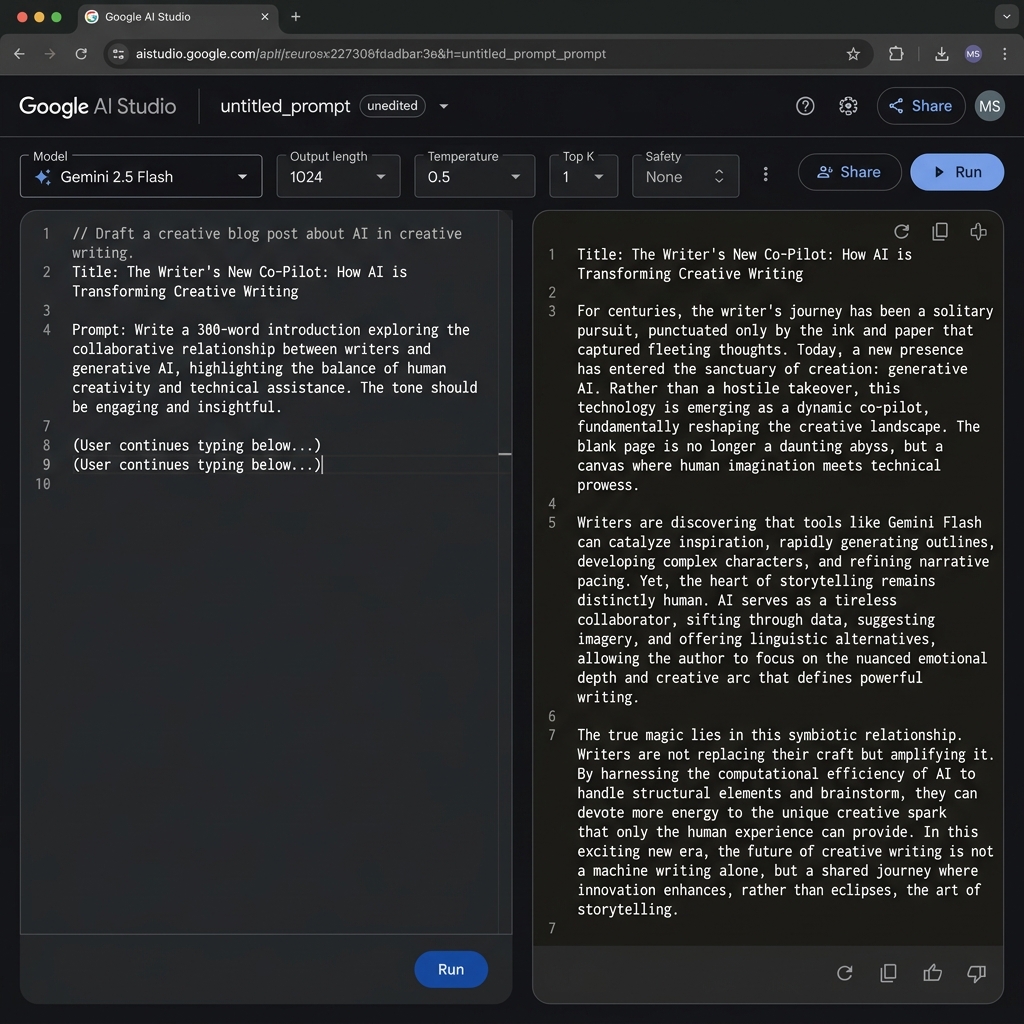
Available models: Gemini 2.5 Flash, Gemini 2.5 Pro. Use Flash for speed, Pro for complex reasoning.
Your API Key
Use this API key to connect your application to Google AI services. Each team has a dedicated key.
Do not share this key outside your team. It is linked to your team's project and usage quota.
Use this key with the Google AI SDK or direct REST API calls. See AI Studio's "Get code" button for examples.
The Deliverables
At the end of the day, every team submits their work:
Project name, team members, and key details about your solution.
Describe what your solution does and how it works. Keep it concise.
Show the functionality. Let visuals tell the story.
Incomplete? That's OK — just state it clearly. Honesty is valued.
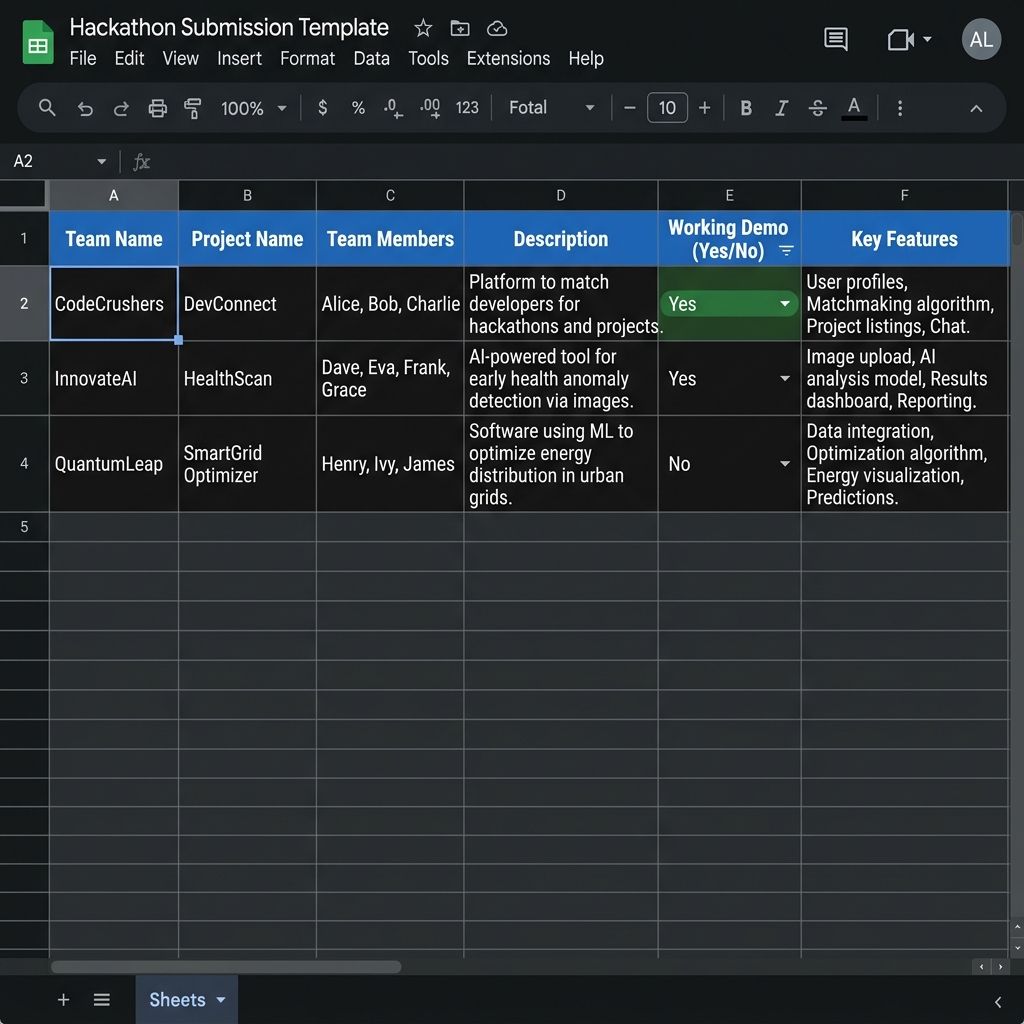
Submission deadline: 16:00. Don't wait until the last minute — submit early and iterate.
The Presentation
Every team gets 2 minutes. Keep it short, real, and exciting.
Use Your Laptop
Show the real thing — not slides.
Live Demo
Click through it. Make it real.
Screenshots
Fill gaps with visuals if needed.
We Vote!
Everyone picks their favorite.
Focus on the problem you solved and how it works. Skip the backstory — jump straight into the demo.